
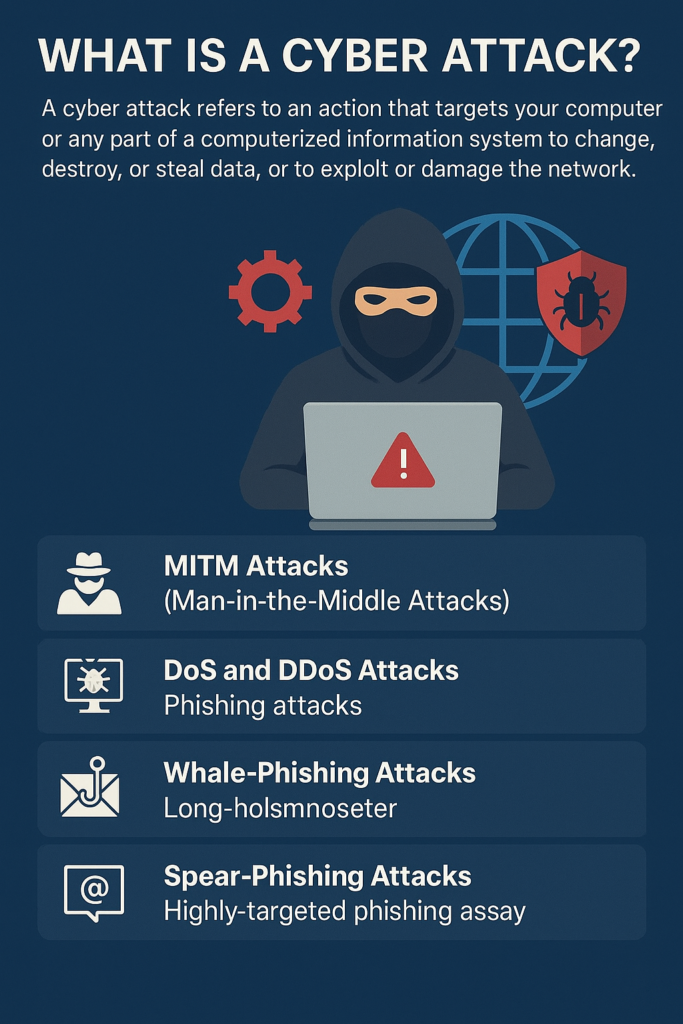
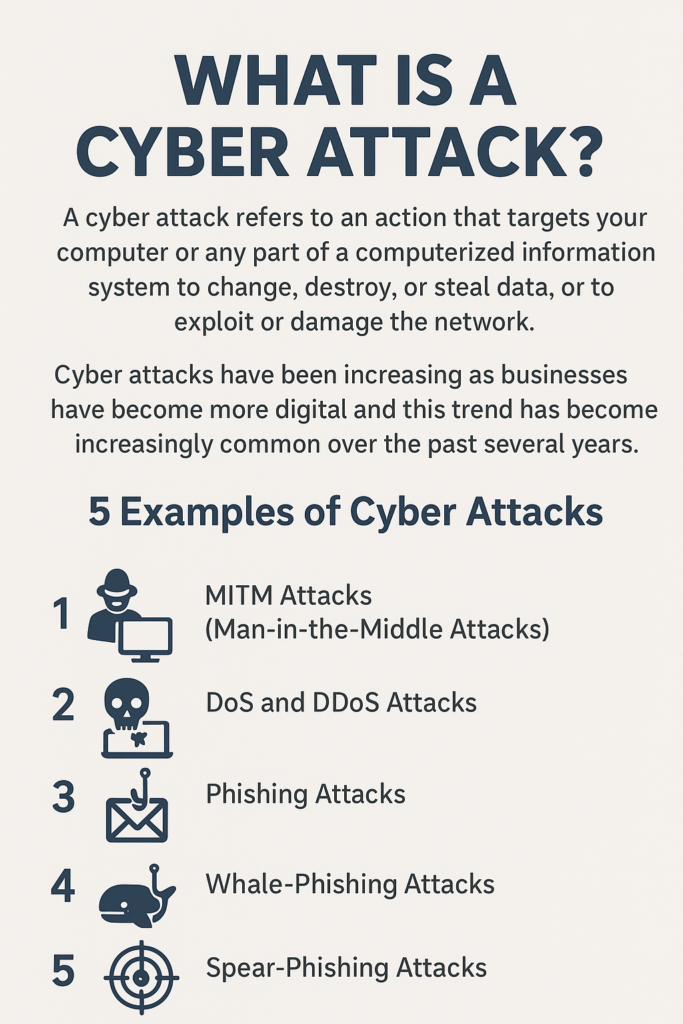
What Is A Cyber Attack?
A cyber attack refers to an action that targets your computer or any part of a computerized information system to change, destroy, or steal data, or to exploit or damage the network. Cyber attacks have been increasing as businesses have become more digital and this trend has become increasingly common over the past several years.
There are following 5 Example of Cyber Attack.
- MITM Attacks (Man-in-the-Middle Attacks)
- DoS aur DDoS Attacks
- Phishing Attacks
- Whale-Phishing Attacks
- Spear-Phishing Attacks
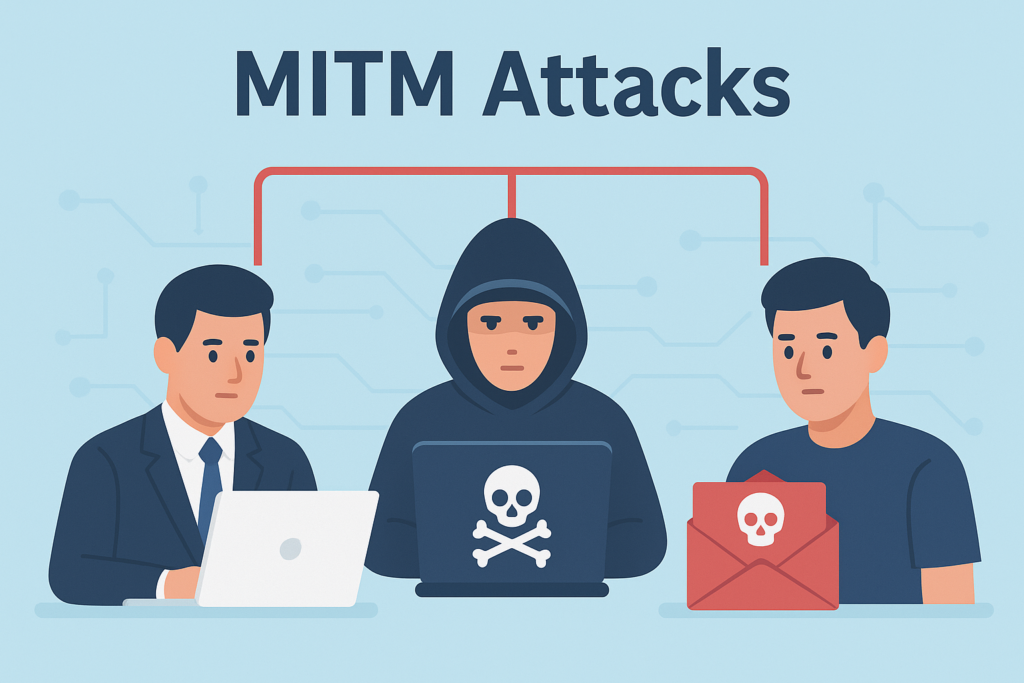
1) MITM Attacks (Man-in-the-Middle Attacks)
A Man-in-the-Middle (MITM) attack is a type of cyber-attack in which an attacker secretly listens to, slows down, or alters the online communication happening between two people, networks, or computer systems. It is called a “man in the middle” because the attacker places themselves between the two communicating parties, just like a middle person who intercepts their conversation.
In a MITM attack, both parties believe they are communicating normally with each other. They have no idea that the attacker is secretly viewing the message before it reaches its destination, changing it, or even adding their own data.
One of the best ways to protect yourself from MITM attacks is to use strong encryption on your access points and always use a VPN (Virtual Private Network), especially when using public or unsecured internet connections.
2) DoS aur DDoS Attacks
A DoS (Denial of Service) attack overloads a system’s resources so much that it can no longer respond to requests from legitimate users. A DDoS (Distributed Denial of Service) attack works the same way, but it is carried out by a large number of malware-infected computers that are all controlled by the attacker. The main purpose of both attacks is to slow down or completely shut down a website or system.
In a DoS attack, a huge number of fake requests are sent to the target website. Since the website tries to respond to every request, its resources are quickly consumed. As a result, the website cannot serve real users at that time and often becomes completely unavailable.
DoS and DDoS attacks are different from other cyberattacks because the hacker is not trying to enter the system or gain access. The attacker’s only goal is to disrupt the system. If a business competitor hires the attacker, they may even gain financial benefit from it.
Sometimes hackers use a DoS attack to make another attack easier. When a system is forced offline due to a DoS or DDoS attack, it becomes more vulnerable and easier to target with additional attacks.
To protect systems from these attacks, firewalls are commonly used. Firewalls check whether incoming requests are real or fake. Fake requests are blocked, allowing legitimate traffic to run smoothly.
In February 2020, a major DDoS attack targeted Amazon Web Services (AWS), which is one of the most well-known examples of this type of attack.
3) Phishing Attacks
A phishing attack happens when a malicious actor sends you emails that look like they are coming from trusted or original sources. The purpose of these emails is to trick you into giving away your sensitive information. Phishing attacks use a combination of social engineering and technology. They are called “phishing” because attackers try to “fish” for your private data by giving you fake click-bait that looks trustworthy.
To carry out the attack, attackers usually send a link that takes you to a fake website. Once you land on that site, you may end up downloading malware (like a virus) or giving your private information directly to the attacker. In most cases, the target does not even realize they have been hacked, which allows the attacker to easily target many more people in the same organization.
The best way to protect yourself from phishing attacks is to be extremely careful when opening emails and clicking on links. Always check the email headers properly. Never click on anything that looks suspicious. Also make sure to check the “Reply-to” and “Return-path” fields — both should match the same domain shown in the email.
4) Whale-Phishing Attacks
A whale-phishing attack happens when attackers target very important people in an organization — the “big fish.” These include C‑suite members, CEOs, directors, or other top leaders. They are called “whales” because they have access to highly valuable and sensitive information, such as company secrets, business operation details, and strategic plans.
If a targeted “whale” accidentally downloads ransomware, they are much more likely to pay the ransom. This is because they do not want news of the attack to spread and damage their personal reputation or the organization’s reputation.
The best ways to avoid whale‑phishing attacks are similar to preventing normal phishing attacks. Always check emails carefully before opening them, especially attachments and links. Ignore any suspicious email address, domain, or link destination. If something looks even slightly strange or unusual, never click on it.
5) Spear-Phishing Attacks
Spear phishing is a special type of targeted phishing attack. In this attack, the attacker does detailed research about the intended target and then creates messages that look personally relevant to that person. These attacks are called “spear” phishing because the attacker focuses on a specific individual. The message looks original and completely legitimate, which makes spear-phishing attacks very hard to recognize.
Often, spear-phishing attacks use email spoofing, where the information in the “From” section of the email is faked. This makes the email look like it is coming from a trusted sender. This sender could be a trusted friend, someone from your social network, or even a business partner.
Attackers also use website cloning, where they make a copy of a real or legitimate website to make the victim feel comfortable. The target believes the website is real and easily enters their private information.